
How to Fix Fatal Error After Updating PHP Version (wp-includes/class-wp-widget.php on line 163)
Resolve “Fatal Error After Updating PHP version (wp-includes/class-wp-widget.php on line 163)” in WordPress with this simple code fix.
Resolve “Fatal Error After Updating PHP version (wp-includes/class-wp-widget.php on line 163)” in WordPress with this simple code fix.
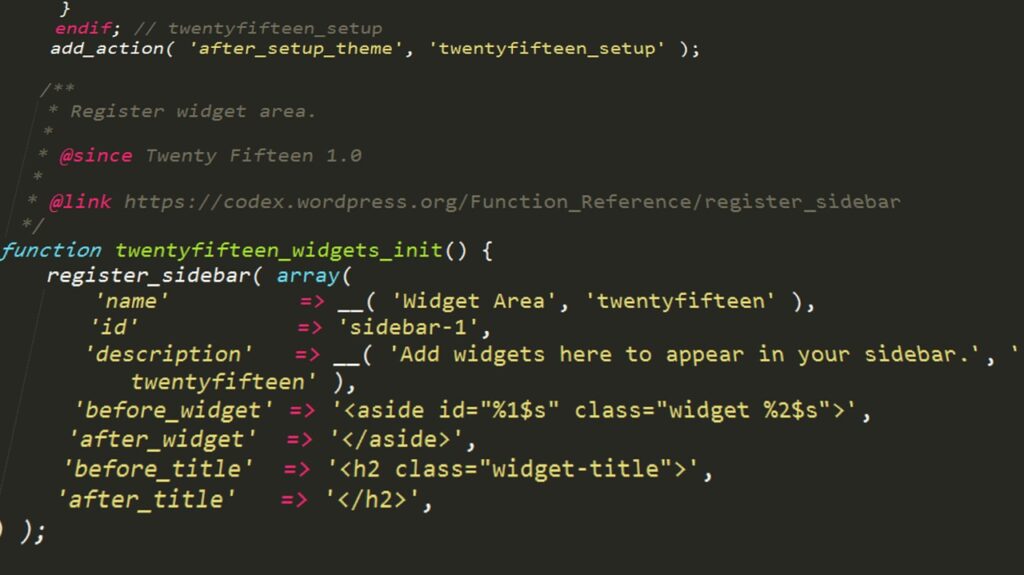
Learn how to increase WordPress memory limit using wp-config.php, PHP.ini, .htaccess, cPanel, and hosting settings to fix memory errors.
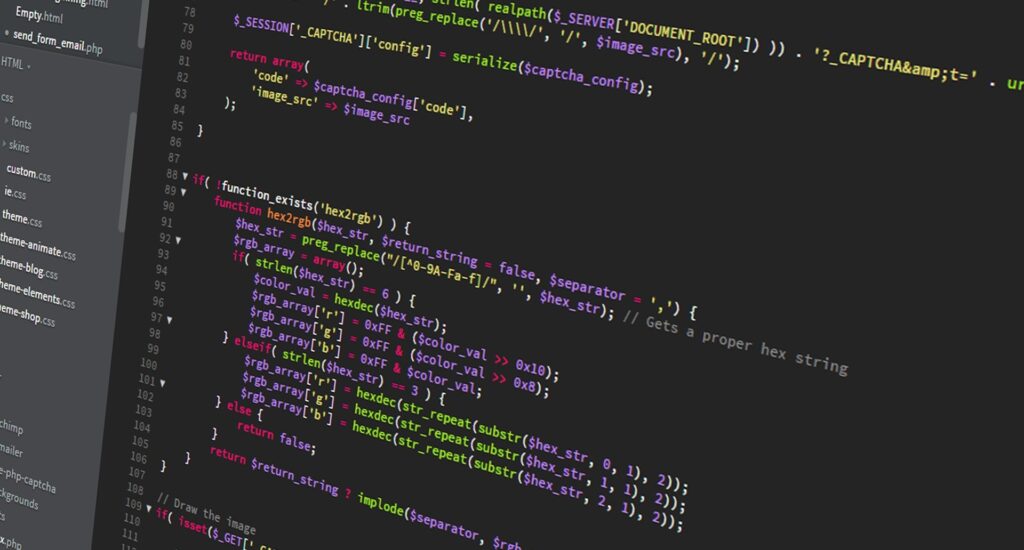
Learn how to hide PHP notices and warnings in your WordPress website using simple code edits. Improve user experience, disable error messages, and keep your site clean and professional.